
Zoho vs HubSpot: Which CRM Is Better for Your Business?
Table of Contents
Choosing a customer relationship management (CRM) platform is about more than organizing contacts. Your CRM needs to support how your business captures leads, manages sales opportunities, follows up with prospects, and maintains customer relationships.
In the Zoho vs HubSpot comparison, both platforms offer useful capabilities, but they approach CRM differently. This guide compares their features, pricing considerations, automation, integrations, and usability to help you identify which platform fits your team’s workflows, budget, and growth plans.
Table of Contents
Key Takeaways
- Zoho CRM is worth evaluating if your business needs configurable CRM processes and wants to connect customer management with Zoho’s wider application ecosystem.
- HubSpot is worth evaluating if your sales, marketing, and service teams want to work within a connected customer platform.
- Neither platform is automatically cheaper. The actual cost depends on the required edition, user seats, additional products, and implementation needs.
- Customization, automation, integrations, and administrative capacity should influence your decision as much as subscription pricing.
- The best CRM is the one your team can adopt, maintain, and use consistently.
What Are Zoho CRM and HubSpot?
Before comparing their features, it is important to understand what each product includes. Zoho CRM and HubSpot’s CRM foundation both help businesses manage customer information and sales activities, but their wider product ecosystems differ.
What Is Zoho CRM?
Zoho CRM is a customer relationship management platform designed to help businesses manage leads, contacts, accounts, deals, and sales activities. It provides tools for tracking sales pipelines, automating routine tasks, customizing CRM processes, and analyzing sales performance.
Businesses can organize their sales operations around different stages of the customer journey. For example, a company can capture an inquiry, assign it to a sales representative, track communication, move the prospect through deal stages, and monitor the opportunity until it is won or lost.
One of Zoho CRM’s notable characteristics is its customization flexibility. Businesses can configure fields, modules, layouts, workflows, and reports around their internal processes. This can be useful when a company’s sales operations do not follow a standard pipeline.
Zoho CRM also connects with other applications in the Zoho ecosystem. These include products for finance, marketing, customer support, collaboration, and business operations. However, access to the wider ecosystem should not be confused with features included in a Zoho CRM subscription. Zoho One is a separate offering with its own application access and licensing structure.
What Is HubSpot CRM?
HubSpot provides a connected customer platform built around its Smart CRM foundation. The CRM helps businesses organize contacts, companies, deals, activities, and customer information.
HubSpot also offers dedicated products called Hubs. These include:
- Sales Hub: Tools for sales pipelines, prospecting, deal management, and sales productivity.
- Marketing Hub: Marketing tools for campaigns, lead nurturing, segmentation, and marketing automation.
- Service Hub: Customer service and support capabilities.
- Content Hub: Tools for creating and managing digital content.
- Operations Hub: Capabilities for connecting applications and managing business data and processes.
HubSpot provides free CRM tools that businesses can use to start organizing customer information and sales activities. However, advanced functionality is associated with paid products and plans.
For this reason, comparing HubSpot’s free CRM tools with Zoho CRM’s paid editions would not provide a complete picture. A fair comparison must consider the exact HubSpot Hub, subscription tier, and features a business needs.
Zoho vs HubSpot: Key Differences at a Glance
The following table summarizes the main differences between Zoho CRM and HubSpot’s CRM platform. Feature availability and limitations can vary by subscription, so use this as an initial comparison rather than a guarantee that every capability is included in every plan.
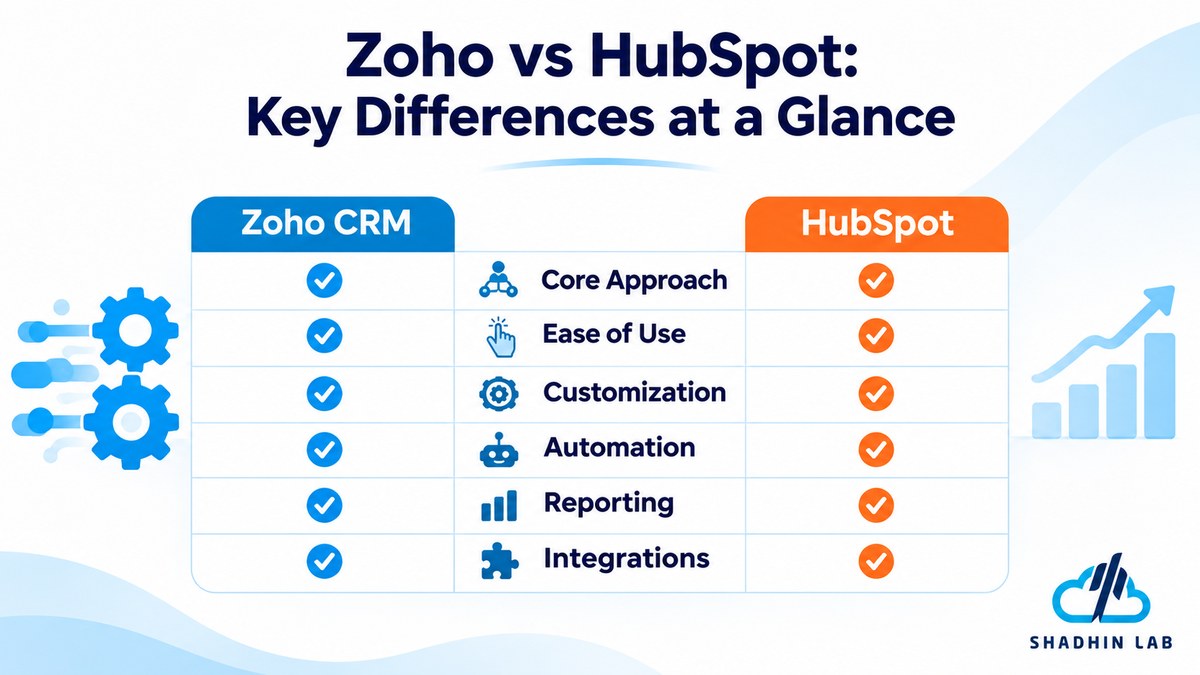
| Comparison factor | Zoho CRM | HubSpot |
| Core approach | Configurable CRM with a broader business application ecosystem | Connected customer platform built around Smart CRM |
| Ease of use | Configuration may require additional effort | Emphasizes guided usability and connected workflows |
| Customization | Extensive CRM customization options | Customization varies by product and plan |
| Sales management | Lead, contact, deal, and pipeline management | Lead, contact, deal, and pipeline management |
| Marketing | CRM capabilities plus separate Zoho marketing products | Dedicated Marketing Hub |
| Automation | Workflow and process automation | Sales and marketing automation across eligible products |
| Reporting | CRM reports and analytics | Reporting across connected Hubs, depending on plan |
| Integrations | Zoho ecosystem and third-party integrations | HubSpot ecosystem and App Marketplace |
| Pricing structure | Free and paid CRM editions | Free CRM tools and paid Hubs or bundles |
| Best suited for | Businesses seeking configurable CRM capabilities | Businesses prioritizing connected customer-facing workflows |
The main distinction is not simply which platform offers more features. Zoho emphasizes configurable CRM capabilities within a wider business application ecosystem, while HubSpot connects customer-facing activities through its CRM and specialized Hubs.
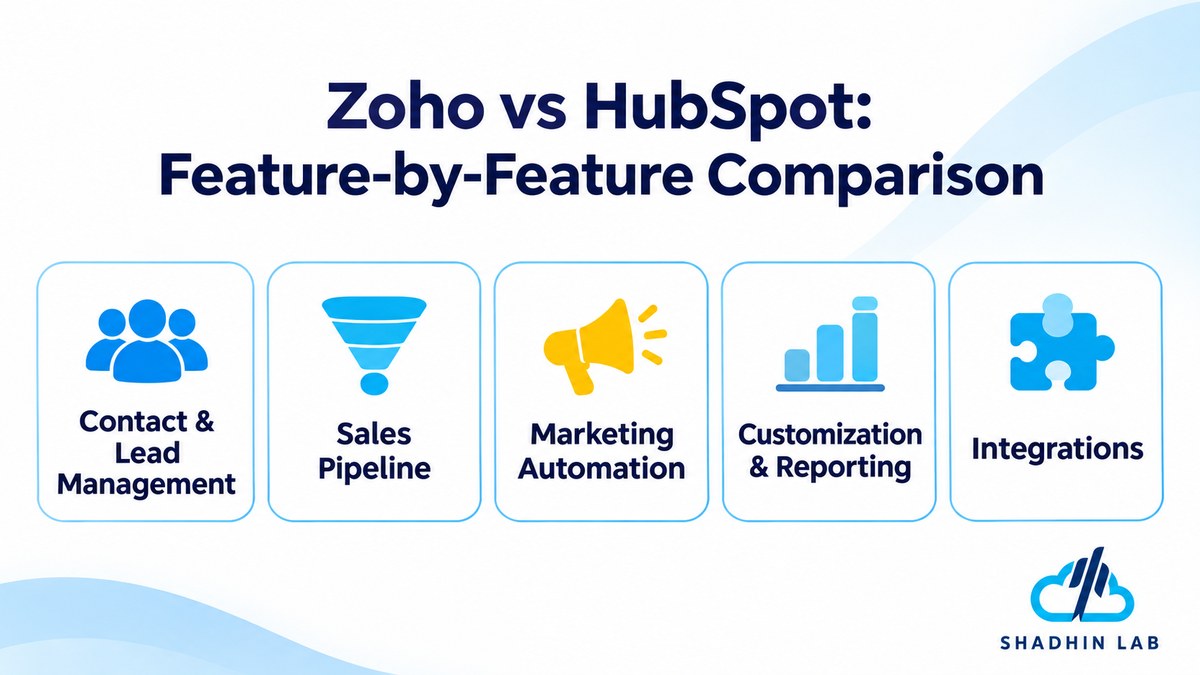
Zoho vs HubSpot: Feature-by-Feature Comparison
A CRM becomes valuable when it supports everyday business activities. The following sections compare how the two platforms approach common sales, marketing, and operational requirements.
Contact and Lead Management
Contact and lead management are central to both platforms. They help sales teams organize customer information, track communication, and understand where prospects are in the buying process.
Zoho CRM supports lead, contact, and account management. Businesses can organize incoming inquiries, assign leads to sales representatives, track activities, and manage the transition from lead to customer. Its customization capabilities can help teams adapt lead qualification and assignment processes to their internal requirements.
HubSpot’s Smart CRM provides a shared foundation for managing contacts, companies, deals, and related customer activities. Its connected product structure can help sales and marketing teams work with customer information in the same environment.
Both platforms support the broader objective of maintaining visibility throughout the customer lifecycle. However, businesses should examine the availability of specific capabilities such as advanced lead scoring, enrichment, duplicate management, and segmentation before choosing a subscription.
For example, a company receiving inquiries from its website, email campaigns, and referral partners may need to assign leads based on territory, industry, or qualification status. The right platform should support that process without requiring unnecessary manual work.
Sales Pipeline and Deal Management
Sales pipeline management helps businesses track opportunities from initial contact to closing. It also gives managers visibility into deal progress, sales activities, and potential revenue.
Zoho CRM allows businesses to manage deals through customizable sales stages. Teams can configure pipelines around their sales processes, monitor activities, and use reporting capabilities to understand sales performance. This flexibility can be useful for companies with multiple products, sales teams, or different deal-handling processes.
HubSpot provides deal pipelines through its CRM and Sales Hub offerings. Sales representatives can track opportunities, manage activities, and monitor deal progress. Additional sales capabilities, such as sequences, advanced reporting, and forecasting, depend on the relevant subscription.
Consider a business with separate sales processes for new customers and existing-account expansion. It needs to track both types of opportunities without confusing their stages or performance metrics. In this situation, pipeline flexibility and the availability of multiple-pipeline functionality should be checked against the exact plans under consideration.
The important question is whether the CRM can represent your actual sales process—not simply whether it provides a pipeline dashboard.
Marketing Automation
Marketing automation helps businesses communicate with prospects and customers through structured campaigns and follow-up processes.
Zoho CRM provides customer and sales data management, while businesses can connect it with separate Zoho marketing applications to support email campaigns and broader marketing activities. The exact capabilities depend on the products and subscriptions selected.
HubSpot approaches marketing through its dedicated Marketing Hub. It connects marketing activities with the wider CRM foundation, allowing businesses to coordinate customer data and marketing workflows across eligible products and plans.
For example, a marketing team might capture a lead through a landing page, add the contact to an email nurturing campaign, and pass a qualified opportunity to the sales team. A connected system can help reduce manual data transfers and improve visibility between departments.
However, the comparison should not treat Zoho CRM alone as equivalent to HubSpot Marketing Hub. Businesses evaluating marketing automation should compare Zoho’s relevant marketing products against the specific HubSpot Marketing Hub tier they need.
Before subscribing, check email campaign limits, automation availability, audience segmentation, reporting, and any contact-based or usage-based charges.
Workflow Automation and AI Capabilities
Workflow automation reduces repetitive administrative work by triggering actions when specific conditions are met. Both platforms offer automation capabilities, but availability and complexity depend on the products and plans selected.
Zoho CRM supports workflow automation for sales and customer management processes. Businesses can use configured rules to trigger actions based on record changes, field values, or other conditions supported by the platform. More advanced process requirements may involve higher-tier features or additional Zoho products.
HubSpot also offers automation through its connected Hubs. Eligible plans provide workflows and automation capabilities that can help coordinate sales, marketing, and service activities. The available triggers, actions, and automation limits depend on the subscription.
AI capabilities require a separate comparison. Both vendors have introduced AI-powered functionality across their product ecosystems, but the features are not necessarily equivalent. AI availability may vary by product, plan, usage allowance, and credit requirements.
When evaluating AI, consider what the system actually does:
- Does it help summarize customer interactions?
- Can it assist with writing or preparing sales communications?
- Does it provide lead insights or support forecasting?
- Can it automate specific workflow steps?
- Are AI agents or advanced automation options available for the required subscription?
A feature being described as AI-powered does not mean it can independently manage an entire business process. Review the available functionality, usage limits, and human approval requirements before relying on it.
Customization and Reporting
CRM customization determines how closely a platform can reflect a company’s sales process. Reporting determines whether managers can use the resulting data to make decisions.
Zoho CRM provides customization options for fields, modules, layouts, and workflows. This flexibility can help businesses represent specialized processes and organize records according to their operational requirements. Its reporting and analytics capabilities can also help teams monitor sales activities and performance.
HubSpot supports CRM customization and reporting, with available options varying across products and subscription tiers. Businesses can use its connected customer data to understand sales and marketing activity, although more advanced reporting requirements may require higher-tier plans or additional products.
The trade-off is between flexibility and administrative effort. A highly customized CRM may fit a business’s processes more closely, but someone must configure, document, test, and maintain those customizations.
A business with a straightforward sales process may not need extensive customization. A company managing different product lines, territories, approval stages, and account relationships may place greater importance on it.
Integrations and Ecosystem
A CRM rarely operates alone. It often needs to exchange information with email platforms, accounting software, communication tools, marketing applications, customer support systems, and internal business applications.
Zoho CRM connects with other Zoho applications and supports third-party integrations. Businesses already using Zoho products may find value in evaluating how those applications work together. API capabilities can also support custom connections where standard integrations do not meet a requirement.
HubSpot provides an App Marketplace and integrations for connecting its CRM with external applications. Its ecosystem supports businesses that want to coordinate customer-facing activities across different tools.
However, the number of available integrations is not the only factor to consider. A useful integration must transfer the right information reliably and maintain data consistency.
Before choosing a CRM, check whether your essential applications support the required integration. Look at synchronization direction, supported fields, update frequency, error handling, API limits, and whether a third-party subscription is necessary.
A CRM that cannot exchange data reliably with your existing systems may create more administrative work instead of reducing it.
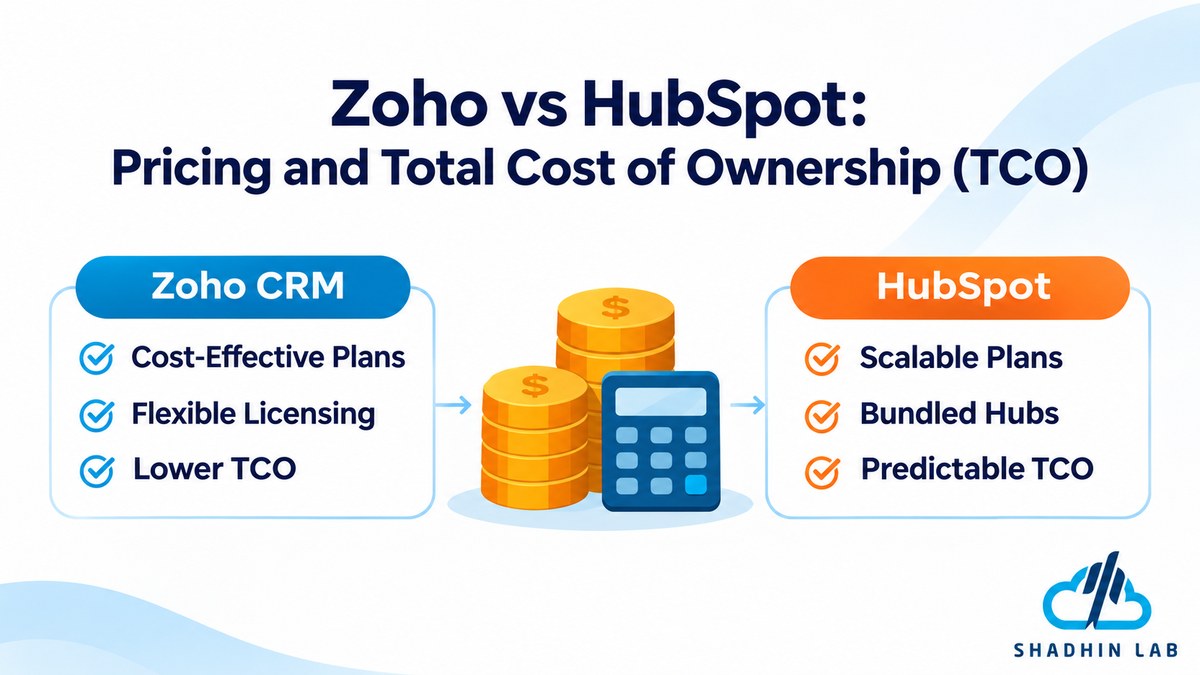
Zoho vs HubSpot Pricing: Which CRM Costs Less?
Pricing is one of the most important parts of the Zoho vs HubSpot decision, but advertised starting prices rarely tell the whole story. A business needs to compare the cost of the features, seats, and products required to operate its actual workflows.
Zoho CRM Pricing
Zoho CRM offers a free edition and several paid editions, including Standard, Professional, Enterprise, and Ultimate. The editions differ in available capabilities, and businesses should review the current plan comparison before selecting one.
The free edition may be suitable for teams with basic CRM requirements, but it should not be assumed to include every advanced sales, automation, or customization feature.
As businesses move to paid editions, they can evaluate additional capabilities relevant to their operations. The appropriate tier depends on requirements such as workflow automation, reporting, customization, and sales management.
Zoho’s pricing can also be affected by billing frequency and the number of users. Annual and monthly billing may have different rates, so businesses should compare the terms they intend to use.
HubSpot Pricing
HubSpot provides free CRM tools and paid subscription options across its Hubs. Businesses can start with basic CRM functionality and expand into more advanced sales, marketing, or service capabilities as their needs grow.
The important consideration is that HubSpot’s pricing is not limited to a single CRM subscription. A company may need Sales Hub, Marketing Hub, or a combination of products to support its processes.
Paid plans also differ in features, seats, onboarding requirements, and other commercial terms. Some advanced capabilities may be available only in higher tiers.
For this reason, comparing HubSpot’s free CRM tools with a paid Zoho CRM edition—or comparing Zoho CRM with a bundle of several HubSpot Hubs—can produce misleading conclusions.
What Is the Total Cost of Ownership?
The subscription price is only one part of CRM ownership. A platform that appears less expensive at the beginning may require additional applications, configuration, or administration as the business grows.
Consider these cost factors:
| Cost factor | What to evaluate |
| User seats | How many employees need access, and how are additional seats charged? |
| Subscription tier | Which plan includes the required automation, reporting, and customization? |
| Additional products | Do you need separate marketing, service, or operations applications? |
| Onboarding | Are there mandatory or optional onboarding costs? |
| Integrations | Do essential connections require paid third-party applications? |
| Data migration | Will you need technical assistance to transfer historical records? |
| Training | How much time will employees need to learn the system? |
| Administration | Who will maintain workflows, permissions, fields, and reports? |
For a hypothetical five-person sales team, a fair comparison should calculate the cost of the specific capabilities that team needs.
| Requirement | Zoho CRM comparison | HubSpot comparison |
| Five sales users | Confirm the required edition and five-user cost | Confirm the relevant Sales Hub tier and seat cost |
| Lead and deal management | Verify included features | Verify included features |
| Workflow automation | Confirm available automation limits | Confirm workflow availability and limits |
| Reporting | Check required report and dashboard features | Check required reporting features |
| Integrations | Identify required native or paid integrations | Identify required marketplace or paid integrations |
| Annual cost | Calculate using the selected billing terms | Calculate using the selected billing terms |
This comparison should be completed with current vendor pricing before publication. Do not use a low-tier plan from one vendor against a higher-tier plan from the other and present the difference as a like-for-like result.
The better financial question is not simply which CRM has the lowest starting price. It is which platform provides the required capabilities at a sustainable total cost.
Ease of Use: Is Zoho or HubSpot Easier to Learn?
Ease of use affects how quickly employees adopt a CRM and how consistently they use it. A platform may have extensive capabilities, but those capabilities offer limited value if the team finds the system difficult to navigate.
HubSpot emphasizes a connected interface and guided customer-facing workflows. Teams that want to manage sales and marketing activities within one environment may find this approach convenient. However, the learning curve can increase as businesses introduce additional Hubs and more advanced functionality.
Zoho CRM offers substantial configuration flexibility. This can be valuable when a company needs its CRM to reflect specific internal processes. However, configuration choices can require additional planning, technical knowledge, and ongoing administration.
The easier platform depends on the team’s needs and experience. A small sales team with a standard pipeline may prioritize straightforward setup. A business with complex sales processes may accept a longer configuration period in exchange for greater flexibility.
When evaluating usability, test both platforms with actual users. Ask sales representatives to add leads, update deals, record activities, and generate reports. Their experience will provide more useful evidence than a general claim that one CRM is easier than the other.
Zoho vs HubSpot: Pros and Cons
Both platforms have potential advantages and limitations. The following table summarizes their main trade-offs based on the product approaches described above.
| Platform | Potential advantages | Potential limitations |
| Zoho CRM | Customization, broad CRM functionality, connection to Zoho’s wider application ecosystem | Configuration and administration may require more effort |
| HubSpot | Connected customer-facing tools, approachable interface, sales and marketing alignment | Advanced capabilities may require higher tiers or additional Hubs |
These are general decision considerations, not universal user experiences. Actual usability and value depend on the selected products, subscription levels, implementation, and team requirements.
Zoho vs HubSpot: Which CRM Should You Choose?
The right CRM depends on how your business manages customer relationships and what it expects from its technology stack. Instead of choosing based on a general ranking, evaluate each platform against your operational requirements.
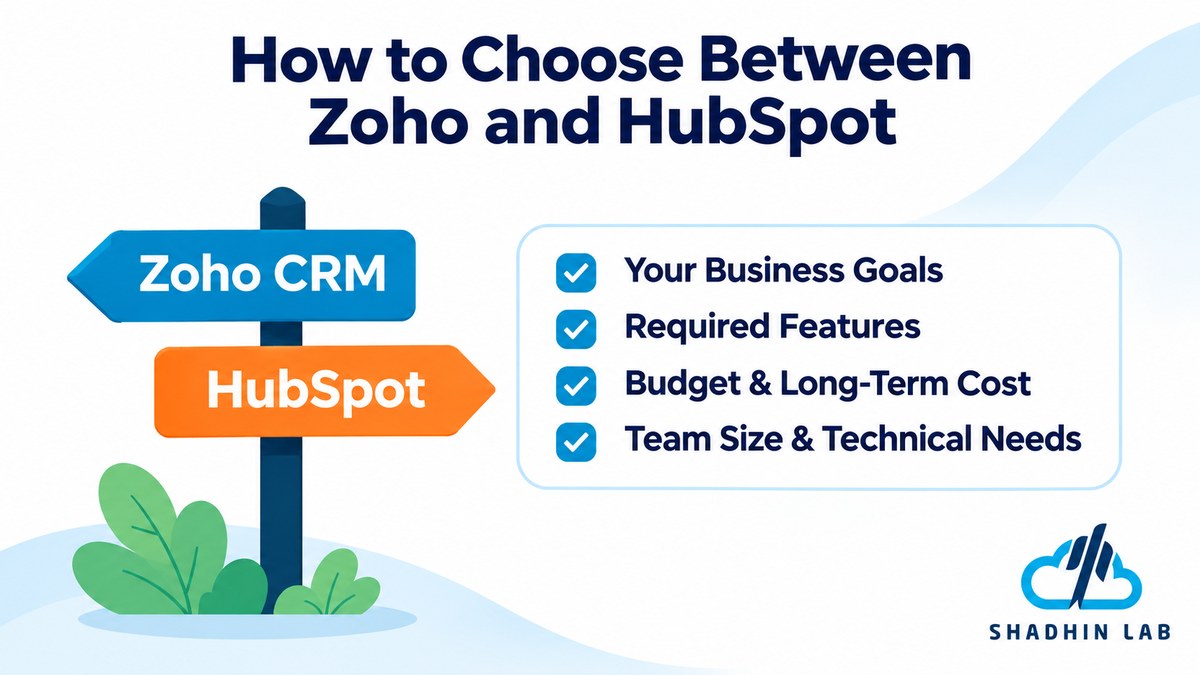
Choose Zoho CRM If…
Zoho CRM is worth considering if your business:
- Needs extensive customization of CRM fields, modules, layouts, or workflows.
- Wants to evaluate configurable CRM capabilities against its budget.
- Already uses other Zoho applications and wants to explore how they connect.
- Has someone who can configure and maintain CRM processes.
- Manages sales activities that require flexible pipeline or record structures.
For example, a growing business with several sales processes may want to configure different fields, stages, and workflows around its operations. Zoho CRM may be a suitable option to evaluate if that flexibility is a priority.
However, customization should have a clear purpose. Adding unnecessary fields, modules, and automation can make a CRM harder to maintain.
Choose HubSpot If…
HubSpot is worth considering if your business:
- Prioritizes a connected sales and marketing experience.
- Wants to begin with free CRM tools and evaluate paid capabilities as requirements grow.
- Values an approachable interface and guided workflows.
- Already uses HubSpot products or depends on its ecosystem.
- Needs customer-facing teams to work with shared customer information.
For example, a business that generates leads through content marketing, landing pages, and email campaigns may want marketing and sales teams to work from connected customer data. HubSpot’s product structure may be attractive for that type of workflow.
However, businesses should review the cost of the specific Hubs and tiers required. Starting with free CRM tools does not mean every advanced marketing or sales capability will remain free as the business grows.
When Should You Consider Alternatives?
Neither Zoho nor HubSpot will be the right choice for every business.
You may need to evaluate alternatives when your operations depend on highly specialized workflows, complex legacy-system dependencies, or functionality that neither CRM can support efficiently.
A business may also need more than a conventional CRM. For example, it might want to connect customer records with internal databases, automate multi-step processes across several applications, or build a custom AI-powered application around its existing systems.
In those situations, choosing a CRM is only one part of the technology decision. The business should also evaluate how its applications exchange information and whether custom development is necessary.
If your requirements extend into custom AI applications, AI-powered workflows, or connected business systems, explore ShadhinLab’s AI solutions to assess whether a custom approach fits your needs. ShadhinLab’s role should be evaluated around the specific AI and software requirements—not assumed to include official Zoho or HubSpot implementation services.
Can You Switch From Zoho to HubSpot or HubSpot to Zoho?
Businesses can consider moving from Zoho CRM to HubSpot or from HubSpot to Zoho, but CRM migration involves more than transferring contact records.
A CRM contains relationships between contacts, companies, deals, activities, custom fields, and other records. If these relationships are not mapped correctly, employees may lose important context when they move to the new platform.
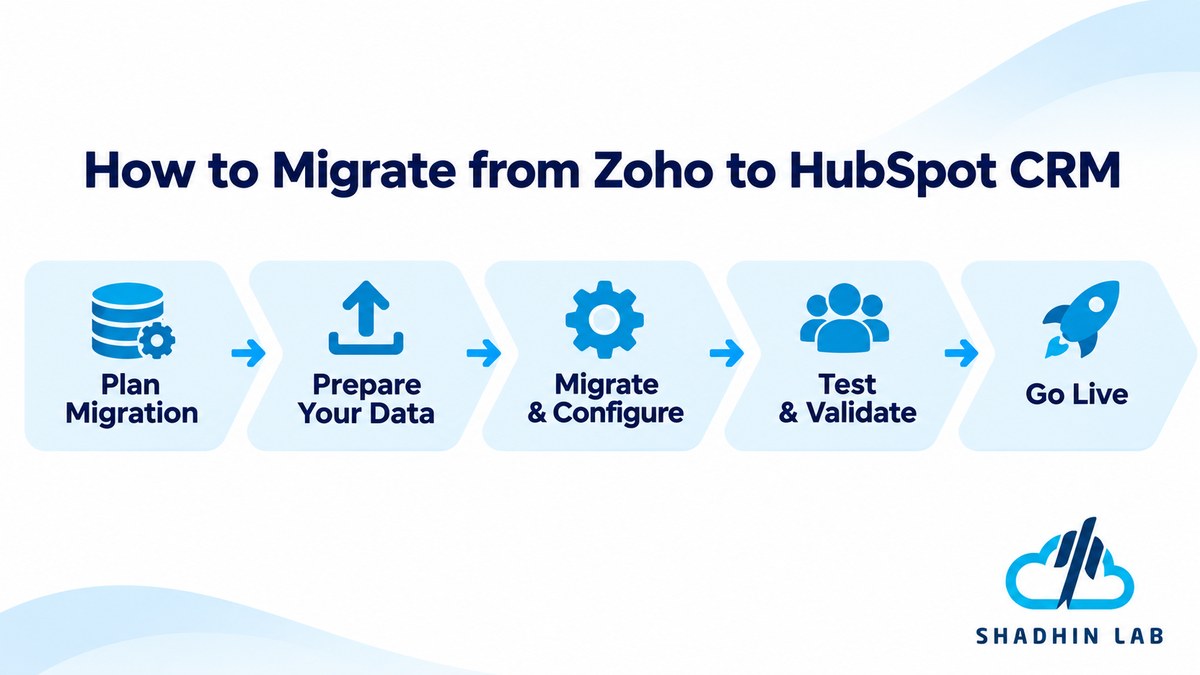
A structured migration should include several steps.
- Audit the existing CRM data. Identify the records, fields, pipelines, activities, and integrations currently in use. Remove unnecessary or outdated information where appropriate.
- Map fields and properties. Determine how existing CRM fields correspond to fields in the destination platform. Custom fields may need to be recreated or mapped to different structures.
- Export and import records. Transfer contacts, companies, deals, and other supported records using the platforms’ available migration methods. Check how each system handles relationships and record ownership.
- Review historical information. Emails, attachments, notes, calls, and activity histories may have different migration requirements. Confirm what can be transferred and what may need another method.
- Rebuild workflows and automations. Existing automation rules should not be assumed to work in the new CRM. Recreate and test the processes using the destination platform’s available features.
- Reconnect integrations. Review connections to email, accounting, marketing, communication, and other business applications. Reconfigure them and verify that data synchronization works correctly.
- Test data and permissions. Check record counts, field values, relationships, access permissions, and reporting accuracy before moving the full team to the new system.
A migration plan should also include employee training and a clear transition date. Keeping the old CRM available during a controlled testing period may help teams identify missing information or workflow problems before fully switching.
Most importantly, map your existing processes before choosing the destination platform. A successful CRM migration should improve how the business works, not simply reproduce an inefficient setup in a different application.
Frequently Asked Questions About Zoho vs HubSpot
Which CRM is easier to use, Zoho or HubSpot?
HubSpot emphasizes guided usability and connected workflows, while Zoho CRM offers extensive configuration options. However, ease of use depends on the team’s experience and the complexity of its processes. Testing both platforms with actual sales and marketing users is the most reliable way to compare them.
Does Zoho integrate with HubSpot?
Businesses can evaluate integration options for connecting Zoho and HubSpot, including available third-party tools and APIs. The exact integration depends on the applications and data that need to be synchronized. Check supported fields, synchronization direction, update frequency, and potential costs before implementation.
Can Zoho and HubSpot be used together?
Yes, businesses may use both platforms when different teams or processes depend on them. However, operating two CRMs can create duplicate records, fragmented customer information, and additional administration. Define which platform owns each data type and how information will synchronize before adopting this approach.
Is HubSpot CRM really free?
HubSpot offers free CRM tools, but free access does not include every feature available across its paid Hubs. Advanced sales, marketing, service, and automation capabilities may require paid subscriptions. Review current free-plan limits and feature restrictions before deciding whether the free tools meet your needs.
Is Zoho CRM good for small businesses?
Zoho CRM can be worth evaluating for small businesses that need lead management, deal tracking, workflow configuration, and reporting. Its suitability depends on the features required and the team’s ability to maintain the system. Businesses should compare the available editions against their actual sales processes.
Which CRM is better for sales and marketing automation?
HubSpot may appeal to businesses that want sales and marketing activities connected through its CRM and dedicated Hubs. Zoho CRM can also support sales automation and connect with separate Zoho marketing products. The better option depends on required workflows, product subscriptions, automation limits, and integration needs.
Conclusion
The Zoho vs HubSpot decision comes down to how your business manages customer relationships and what it expects from its CRM. Zoho CRM may appeal to companies seeking configurable CRM capabilities and connections to a wider business application ecosystem. HubSpot may be a better fit for teams that prioritize connected customer-facing workflows across sales, marketing, and service.
Before making a decision, compare the exact plans, user seats, automation requirements, integrations, and total cost of ownership. Test the platforms with real business processes rather than relying only on feature lists or advertised starting prices.
If your business needs to go beyond standard CRM capabilities and connect customer data with custom AI applications or automated workflows, explore ShadhinLab’s AI solutions to discuss the technical requirements and possible approaches.

Abrar Rafid
Abrar Rafid is a Project Coordinator and Content Writer at Shadhin Lab LLC. He coordinates software development projects, manages client and team communication, and oversees project progress. He also creates and reviews professional content for business communication, proposals, and digital platforms.
Related Post
SaaS Security Checklist: 15 Essential Security Controls
A SaaS company may store customer information, process requests through shared infrastructure, and connect multiple services...
ERP vs CRM: Which Is Right for Your Business?
Imagine a growing business where sales representatives track leads in spreadsheets while the operations team manages...
AI Tokens Explained: How They Work and Why They Matter
When you ask an AI chatbot a question, summarize a document, or build an AI-powered application,...
